


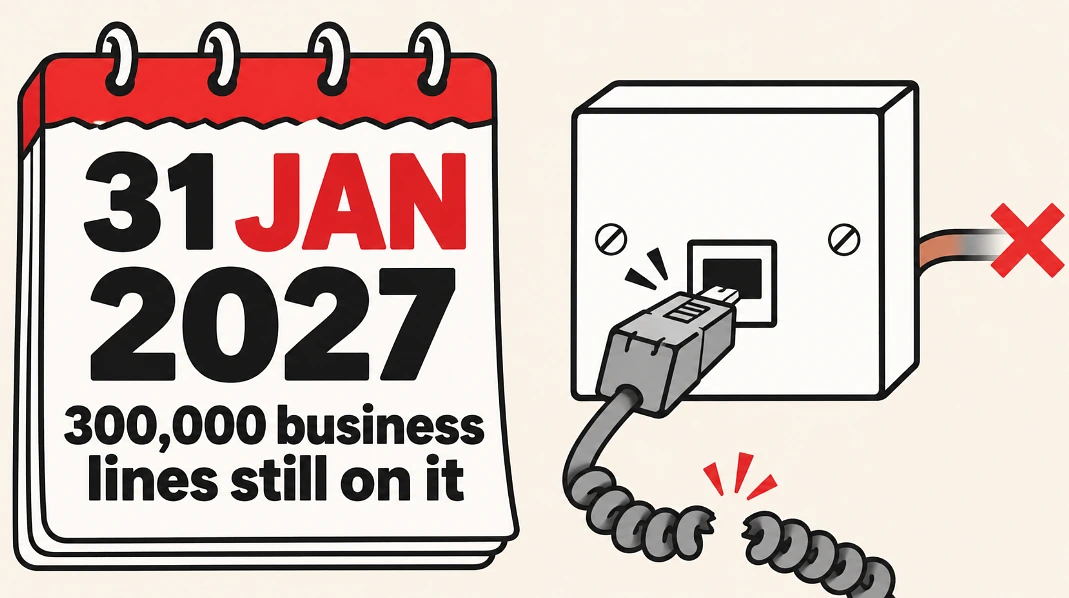
BT’s old analogue phone network closes for good on 31 January 2027, and about 300,000 lines at business premises are still running on it. A shop, salon or small office on one of those lines could find its card machine, alarm or lift phone without a connection in February. Openreach has arranged a limited temporary service for some customers who have not moved, but it will not keep every device working.
- Switch-off date: 31 January 2027
- Lines still on the old network: about one million, counted on 30 October 2026
- Of those, at business premises: about 300,000
- What can stop working: card payment terminals, fire alarm panels, security systems, door entry units, lift emergency phones
- Who to contact first: your phone and broadband provider
The date was first set for December 2025 and was moved back once, to give vulnerable customers and businesses more time. Openreach, which runs the network, says it will not move again. Copper broadband is not switched off on that date, only the old phone service. Its director for the switch, James Lilley, put it this way: “Businesses and organisations that delay action are making things harder for themselves.”
It Is Not Only The Phone On The Desk


Most owners think of the handset and stop there. The old line often carries other equipment that was wired in years ago and forgotten.
- The card machine by the till, if it dials out over a phone socket
- The fire alarm panel and the burglar alarm, if they call a monitoring centre
- The door entry buzzer
- The emergency phone inside a lift
- An old fax machine or franking machine
Walk round the premises and follow each device back to the wall. Anything that uses a telephone line needs checking, including connections hidden in the building. Then ring the company that supplied it, the alarm firm or the card machine provider, and ask if the device will work on a digital line.
A digital phone line usually runs through the broadband router. That means it stops in a power cut unless there is a battery backup or a mobile fallback, so ask the provider what it offers for that.
A Small Firm Does Not Need Its Own IT Department For This
Reliable technology gives a business a stronger footing for the day’s work. If the computers keep slowing down or the email stops, customers notice. You do not need to hire a full-time IT specialist to deal with it. Small businesses can work with external providers offering managed IT services to monitor systems and resolve technical problems. That gives you professional support without the cost of an in-house department, and a switch-off with a fixed date is a sensible moment to bring one in.
Before choosing a provider, look at your current setup and decide where you need help. Then ask three things:
- How quickly do you respond when something breaks?
- What does the support package include, and what costs extra?
- How do you protect our business data?
A dependable provider stops a small fault from becoming an expensive interruption.
Use The Move To Cut The Admin As Well
Repetitive administration can take up hours that could go on serving customers. Since the phones and broadband are being looked at anyway, look at the paperwork too.
Accounting software can create invoices, track payments and send a reminder when a customer misses the due date. Booking software lets customers arrange their own appointments without a string of emails. Start with the one task that interrupts your day most. If that is chasing unpaid invoices, switch on automatic reminders and watch for a month to see if customers pay sooner.
Pick Tools That Fit The Size Of The Team
When staff work in different places or spend time away from the office, messages get lost. Cloud-based platforms let people share documents and update a job without long email chains. Choose one that suits how many of you there are and how you work. A complicated system makes more work for a team of four than it saves.
Check What You Are Paying For Each Quarter
Technology should show a practical gain, so review it regularly. Look at how much time automation saves, whether your team resolves customer enquiries faster and how often a technical fault stops work.
- Ask staff which tools they use and which they ignore
- Cancel the subscriptions nobody opens
- Put that money towards the thing that keeps going wrong
What To Do Before Christmas

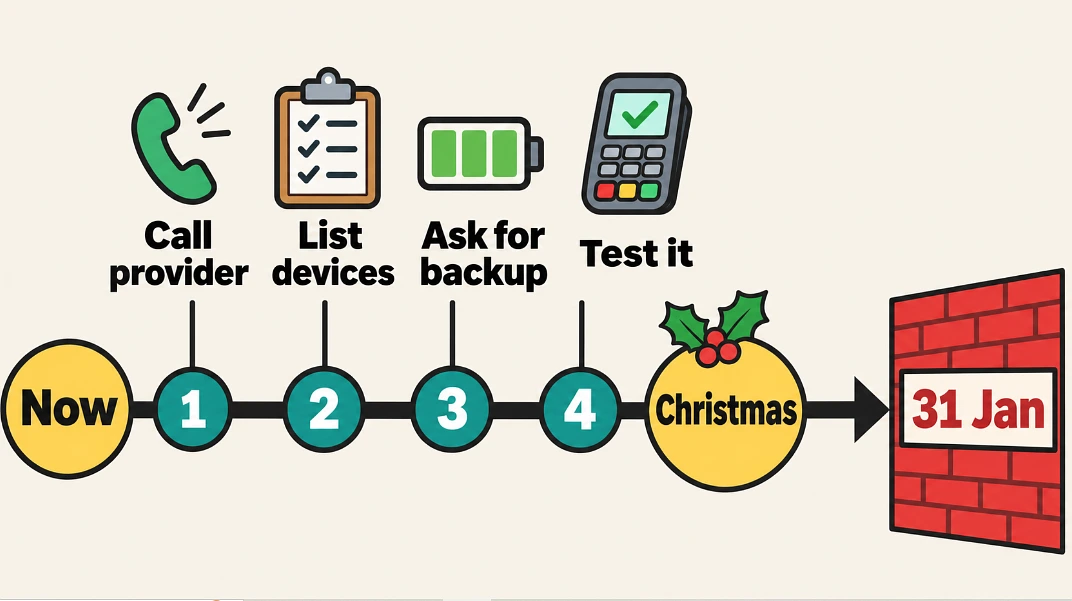
Providers will be busy in January, and leaving it late makes the upgrades and tests harder to arrange. The order to do things in is short.
- Ring your phone provider this week and ask if your line has been moved
- List each device on a phone socket and ring its supplier
- Ask about battery backup for power cuts
- Test the card machine and the alarm once the new line is in