

Blog
How Creators Are Transforming Video Production Using Free Stock Videos and AI Tools

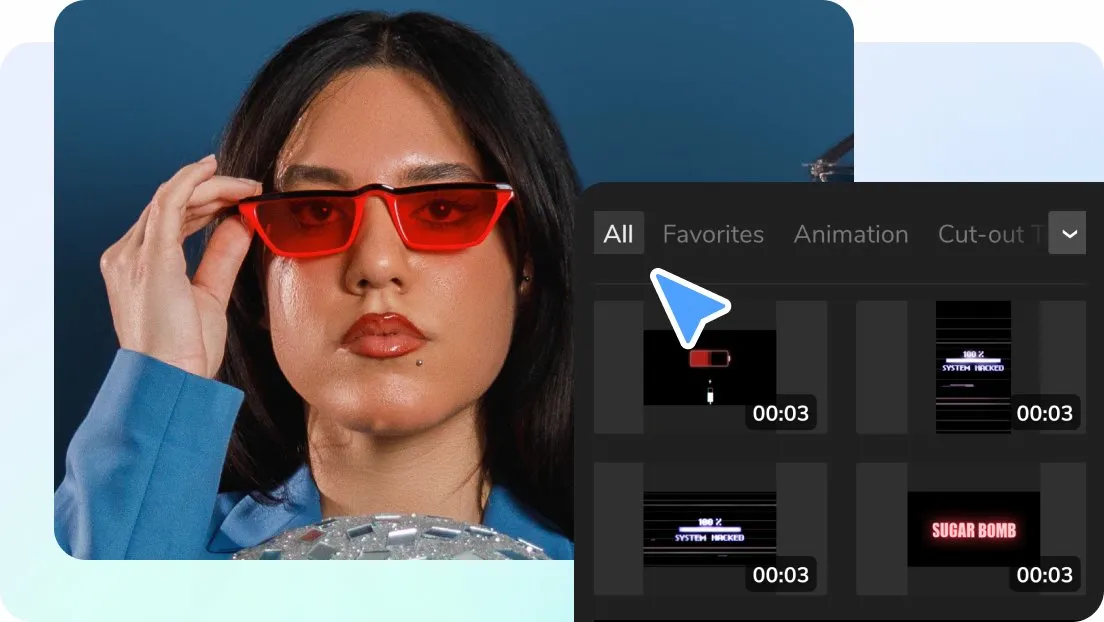
Video production does not look the way it used to. Not long ago, making a decent video meant booking a studio, setting up lights, buying expensive gear, and often hiring someone to edit the final cut. For most people, that made the video feel out of reach.
Now things are different. Many creators are building solid, professional-looking videos from their own desks using nothing more than a laptop and a few innovative tools. The barrier to entry is lower, and that changes who gets to create.
This shift is not only about saving time or money. It is about access. Free stock videos and AI-powered tools have opened the door for people who never had the budget or technical background to produce video before. Small business owners, teachers, freelancers, and solo creators are finally able to compete visually without cutting corners.
This guide is written to help you understand how these tools are actually used in real situations. Not theory. Not hype. You will see where they genuinely save time, where people often make mistakes, and how to use them in a way that feels natural and useful to viewers. The goal is simple: help you create videos people actually want to watch, without making the process more complicated than it needs to be.
Why Video Matters More Than Ever
People do not just prefer video. They expect it.
Video now dominates:
- Social media feeds
- Search results
- Online courses
- Product pages
- Email marketing
Text alone often gets skipped. Video keeps attention longer and explains ideas faster.
A small e-commerce store owner shared this insight after adding short videos to product pages. Customer questions dropped, refunds decreased, and conversion rates improved. The videos were not fancy. They were clear.
That is the power of valuable video content.
Real Problem With Traditional Video Production
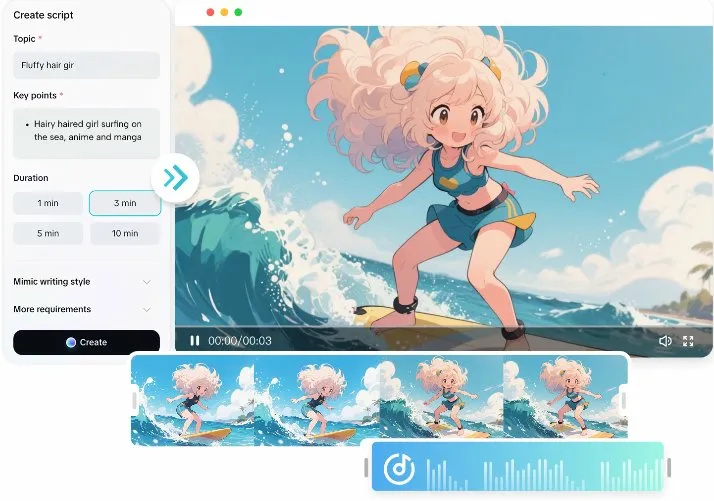
Traditional video production is not inadequate. It is just slow and expensive.
Creators often struggle with:
- Finding locations
- Scheduling shoots
- Setting up lighting and audio
- Doing multiple retakes
- Spending hours editing small changes
For people who need to post weekly or daily, this approach does not scale.
That is where free stock videos and AI tools change the equation.
What Free Stock Videos Really Offer
Free stock videos are short video clips you can legally use without paying licensing fees. Many creators underestimate their value because they assume free means low quality.
That assumption is outdated.
Today’s stock footage libraries include:
- Cinematic drone shots
- Clean office scenes
- Lifestyle moments
- Abstract technology visuals
- Nature and city footage
- Educational and business themes
Why Creators Rely on Stock Footage
Creators use free stock videos because they solve real problems.
They help with:
- Visual variety
- Faster production
- Consistent branding
- Reduced filming stress
A YouTube educator I worked with stopped filming B-roll entirely. He now records only his voice and screen, then layers stock visuals on top. His audience retention improved because the visuals kept viewers engaged.
How Stock Footage Improves Learning and Retention
People remember visuals better than words.
When you combine:
- Clear narration
- Relevant stock visuals
- On-screen text
Viewers understand faster and stay longer.
Stock footage works exceptionally well for:
- Tutorials
- Explainer videos
- Business presentations
- Educational content
- Marketing videos
Instead of explaining an idea for two minutes, a short visual clip can make the point instantly.
Common Mistakes With Stock Videos and How to Avoid Them
Stock footage is powerful, but misuse can hurt credibility.
Mistakes Creators Make
- Using random visuals that do not match the message
- Leaving clips too long
- Using overused clips that viewers recognize
- Mixing styles that feel inconsistent
How to Use Stock Footage Well
- Match visuals closely to the spoken message
- Keep clips short and purposeful
- Apply light color adjustments for consistency
- Use stock as support, not the main attraction
Think of stock footage like seasoning. Too much ruins the dish.
Where AI Tools Fit Into the Process
AI does not make videos for you. It helps you make them faster and cleaner.
Creators use AI at different stages of production.
Planning Stage
AI helps with:
- Script outlines
- Hook ideas
- Video structure
Production Stage
AI tools assist with:
- Matching visuals to scripts
- Auto-cutting scenes
- Generating subtitles
- Voiceover creation
Publishing Stage
AI can:
- Resize videos for different platforms
- Suggest titles and descriptions
- Analyze engagement patterns
An Instagram creator shared that AI resizing alone saved hours each week. One video now becomes five platform-ready versions automatically.
How AI Reduces Burnout for Creators
Burnout is a real issue in content creation.
Creators feel pressure to:
- Post consistently
- Stay creative
- Keep quality high
- Follow trends
AI tools reduce mental load by handling repetitive work.
This frees up energy for:
- Better ideas
- Stronger storytelling
- Audience interaction
One solo marketer described it well. AI does not replace creativity. It protects it.
Building a Simple and Effective Video Workflow
You do not need a complex system. Simplicity wins.
Here is a practical workflow many creators follow.
Step-by-Step Workflow
- Write a short script or outline
- Record voice or talking head
- Use an AI video generator to create a rough draft
- Add free stock videos where visuals help
- Auto-generate captions
- Export and publish
This process can turn one idea into a finished video in under an hour.
How Small Businesses Compete With Bigger Brands
Big brands still have larger budgets. But small businesses have speed and authenticity.
Free stock videos and AI tools help small teams:
- Launch faster
- Test ideas quickly
- Adjust content based on feedback
- Stay visible without overspending
A local real estate agent shared how she creates weekly market update videos without filming homes every time. Stock city footage and AI captions do the heavy lifting. Clients care about insights, not camera angles.
Choosing the Right AI Video Tool
Not every tool is worth your time.
When creators choose an ai video generator, they usually prioritize usability over fancy features.
What Actually Matters
- Simple interface
- Reliable exports
- Access to stock footage
- Caption support
- Platform-friendly formats
Avoid tools that lock you into rigid templates or overload you with effects. Flexibility matters more than flash.
Does AI Lower Video Quality
Only if used carelessly.
Poor quality comes from:
- Weak ideas
- No clear message
- Overused templates
Good quality comes from:
- Clear structure
- Helpful content
- Thoughtful visuals
AI is just a tool. Quality still depends on the creator.
What Experienced Creators Say
Many long-time editors and marketers agree on one thing.
Viewers do not care how hard a video was to make.
They care if it:
- Solves a problem
- Answers a question
- Entertains or informs
- Feels honest
That is why simple videos often outperform complex ones.
What the Future of Video Creation Looks Like
Video tools will continue to improve, but the direction is clear.
Expect:
- Smarter automation
- Faster editing
- More personalization
- Easier collaboration
Creators who focus on value instead of perfection will always win.
FAQs
| Question | Short Answer |
| Are free stock videos safe for commercial use? | Most reputable platforms allow commercial use, but always check licensing terms before publishing. |
| Can beginners really use AI video tools? | Yes. Many tools are designed specifically for people with no editing experience. |
| Will AI replace human creativity? | No. AI supports the process, but ideas and storytelling still come from people. |
| How do stock videos help with consistency? | They allow creators to reuse visual styles across multiple videos without reshooting. |
| Is AI video creation professional enough for clients? | Many agencies and professionals already use AI tools to speed up production while maintaining quality. |
Final Thoughts
You don’t need a vast budget or years of technical experience to make videos that look professional. Free stock videos take care of the visuals, and AI tools handle the tricky editing and formatting. That means you can spend your energy on what really matters: sharing ideas, telling stories, and connecting with your audience.
The key is to keep it simple. Don’t get caught up in fancy effects or complicated workflows. Focus on clear ideas, use the tools that make your life easier, and improve a little with each video you create.
This approach works today, and it will still work tomorrow, even as new tools come along. What matters most is creating videos that people find helpful, engaging, and easy to understand.