

Blog
The Weekend TSB Broke Its Own Bank, and British Companies Are Still Copying the Method

On the evening of Friday 20 April 2018, TSB switched off its old computers. The plan for the weekend was enormous and tidy at the same time: move 1.3 billion customer records for 5.2 million customers off the Lloyds systems that had hosted the bank since the two split, and onto a shiny new platform built by TSB’s Spanish owner, Sabadell. By Sunday night the data had moved. The bank was announcing success.
Then Monday arrived, and Britain found out what success looked like.
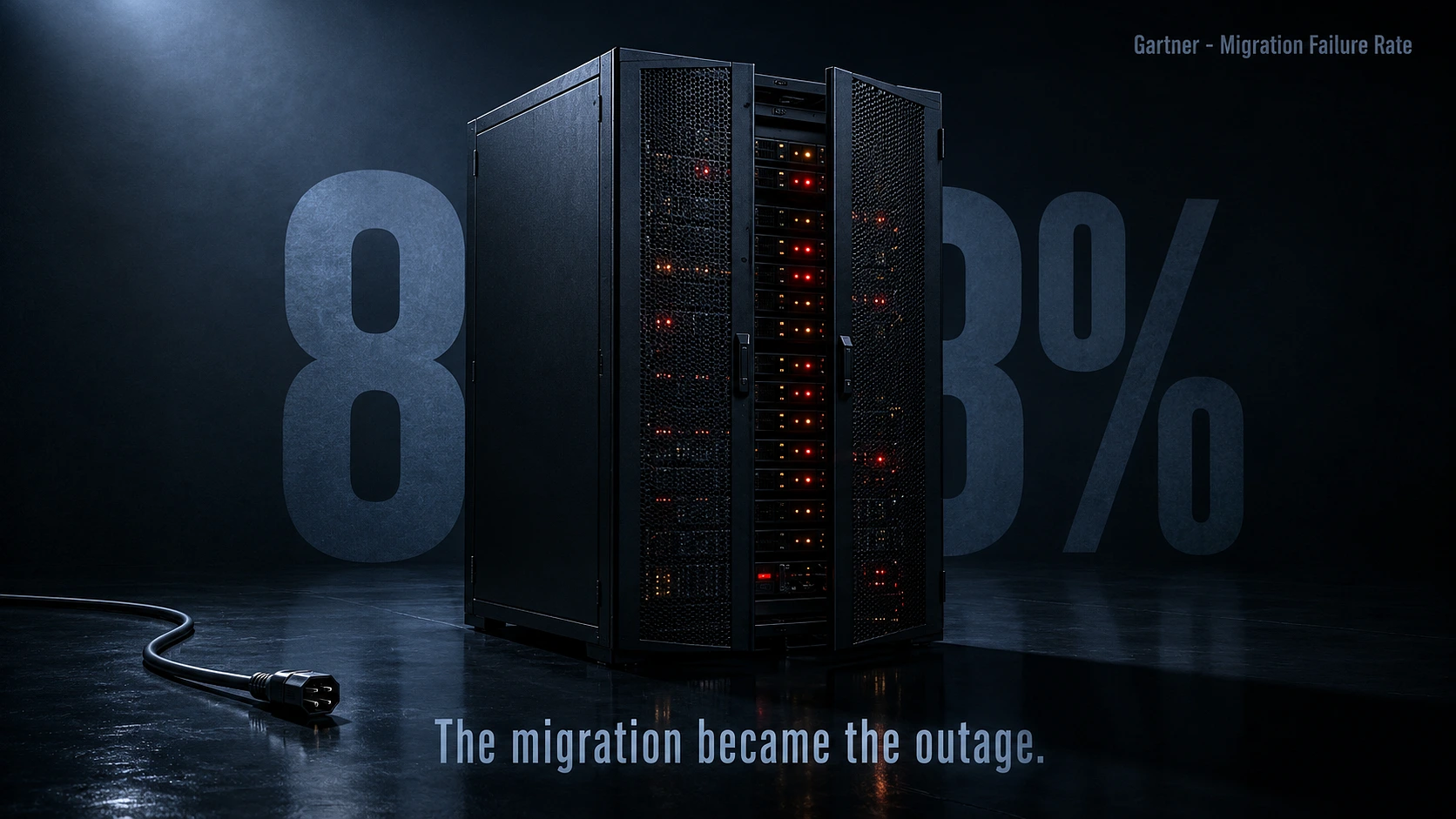
Do you know: Gartner puts the number at 88%. That’s the share of data migration projects that either fail or blow past their budgets and timelines
So the question isn’t really whether to migrate off legacy systems. For most businesses, that decision is already made or overdue. The question is how to do it without becoming part of the eighty-three percent, and the answer is less about the technology than most people think.
Eight months of chaos from one weekend of confidence
Customers opening the app were seeing nothing, or worse, seeing somebody else’s account. Money was disappearing from view. Around 1.9 million people were locked out of digital banking, branches and phone lines drowned, and fraudsters arrived within days to feed on the confusion, because criminals read the news too. TSB’s first response made it worse, the bank was downplaying it as intermittent issues affecting a limited number of users while Twitter was filling with screenshots proving otherwise, a move that earned a public rebuke from the regulator for failing to be open about the scale of it.
The boss, Paul Pester, was soon admitting the bank was on its knees and drafting in a team from IBM. He was in front of the Treasury Select Committee by summer and out of the job by September. The bank hired 2,100 extra staff just to repair the damage. And here is the timeline that should sit with you: the switch took one weekend, and Trustee Savings Bank did not return to business as usual until December. Eight months. The compensation bill reached £32.7 million, TSB’s own accounts put the cost of the episode at around £330 million, Sabadell’s profits halved, and four years later the regulators finished the job with a £48.65 million fine for failing to organise and control the whole programme.
The bitterest detail in the official findings is this one. The data itself migrated successfully. The records arrived intact. It was everything around the data, the testing, the planning, the control of the outside contractor running it, that collapsed. Trustee Savings Bank did not lose the luggage. It lost the airport.
Speaking of airports, BA had already shown everyone how this goes
The year before, over the May bank holiday of 2017, British Airways cancelled 726 flights in three days and stranded 75,000 passengers, because an engineer at a data centre near Heathrow disconnected a power supply and then reconnected it, in what the airline’s own parent company described as an uncontrolled fashion. The surge physically damaged servers. The backup system, the one that exists purely for this moment, failed to take over. Cost by IAG’s own assessment: around £80 million. And by August 2019, BA was grounding passengers again in its third major systems failure in a little over two years.
So the country’s most famous bank meltdown happened one year after the country’s most famous airline meltdown, at household names with serious budgets, and both came down to the same shape of failure: one big switchover or single point of weakness, insufficient testing, and total confidence right up until the moment customers were staring at error screens.
And still they queue up to try the same weekend trick
This is the part that genuinely puzzles me. Every board in Britain watched TSB burn. The £48.65 million fine was front page. The independent report was public reading. And companies are still scheduling big bang switchovers, still treating the move to new systems as a technical chore for the IT department to squeeze in alongside the day job, still betting the whole business on one weekend going perfectly. Explain that to me, because the evidence has been sitting in plain sight since 2018.
The firms that do this properly are not smarter, they are just less proud. When they take on a cloud migration, they run the old system and the new one side by side, shifting customers across gradually and checking everything holds at each step before moving more. It costs more upfront, running two systems always does, and it feels slower, which is exactly why impatient boards skip it. But the choice on the table is not fast versus slow. It is a bigger bill now versus a possible £330 million bill later, and TSB has already run that experiment so that no one else has to.
The technology, in the end, was never the villain in either story. The new Trustee Savings Bank platform works fine today. BA’s servers were healthy until the power came back wrong. What failed was the assumption that it would all just work, and that assumption is still being signed off in boardrooms this quarter. Somewhere in Britain right now there is a company planning its own big weekend. The customers just have not been told yet.